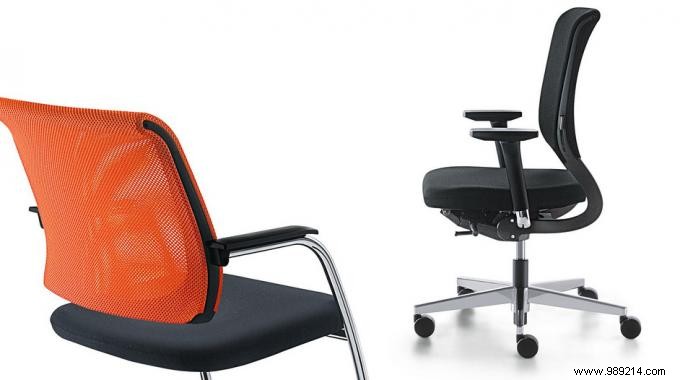
Prolonged computer use often causes widespread discomfort, from back pain to wrist or neck tension. Drawing from proven ergonomic principles, simple adjustments can transform your posture and eliminate these issues.
Here's a reliable method to prevent back pain and improve overall alignment—one worth trying today.
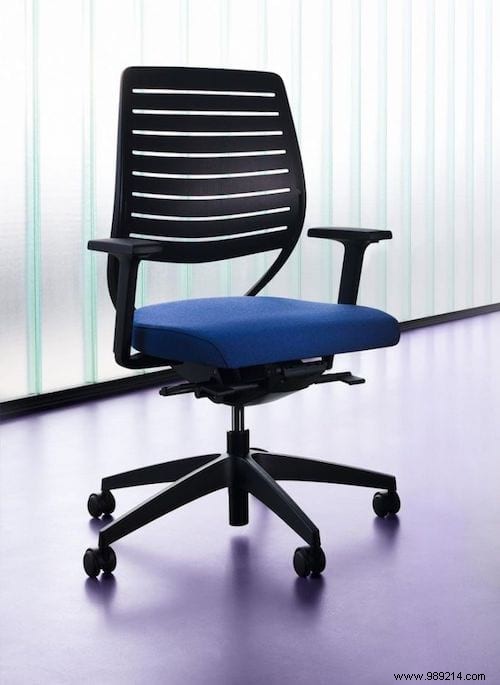
Your office chair is foundational to ergonomic positioning. Even the best chair won't help if poorly adjusted. Follow these expert guidelines:
1. Height: Keep shoulders relaxed, with hands on the desk at elbow level or slightly above. Knees should sit just below hip level.
2. Inclination: Angle the backrest slightly backward if adjustable for better support. Ensure the lumbar curve is fully backed.
3. Posture: Rest forearms on armrests or the desk surface. For shorter stature, add a footrest for added stability.
Apply these adjustments consistently to ward off back pain effectively.
Did these tips help? Share your experience in the comments below!
