Spend long hours at your computer and notice nagging pains? It's common—prolonged tension builds in your back, wrists, and more, potentially leading to chronic issues.
I've previously shared tips on wrist rests to ease wrist strain, but if you haven't tried one yet, here's an easy, no-cost alternative I've used successfully.
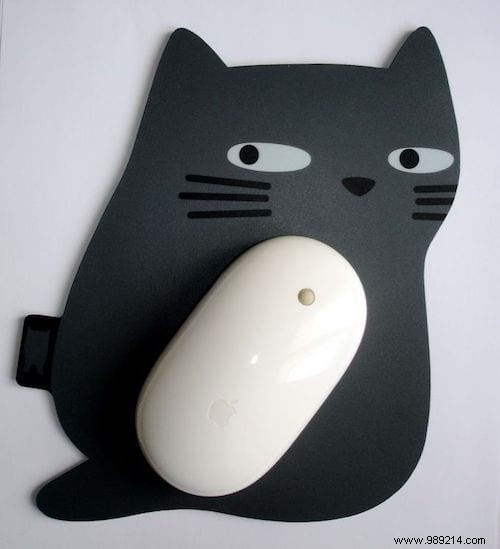
The way you grip a mouse creates wrist tension, which is why a wrist rest helps by letting those muscles relax.
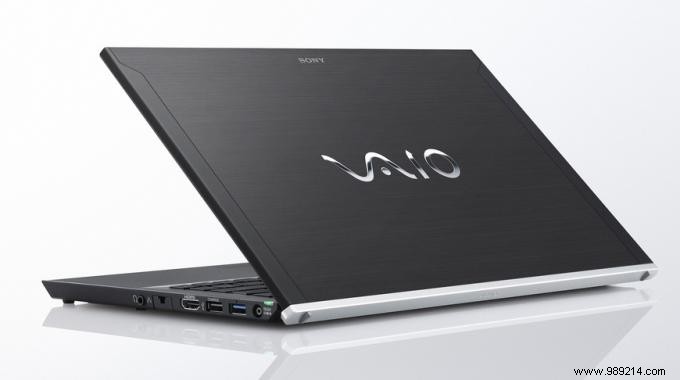
Instead of buying one right away, try this proven trick: alternate between your mouse and your laptop's trackpad.
When tension starts building, put down the mouse and switch to the trackpad. The simple change in hand position and movement provides immediate relief.
Switch back to the mouse when the trackpad feels awkward. It's that straightforward.
This approach has worked wonders for me during extended work sessions. Share in the comments if it helps you too!
